Create a folder on macOS
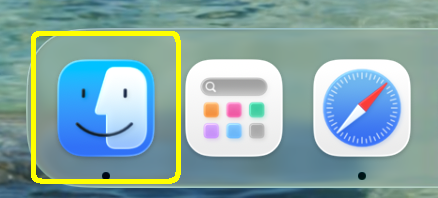
Click on the “Finder” application.
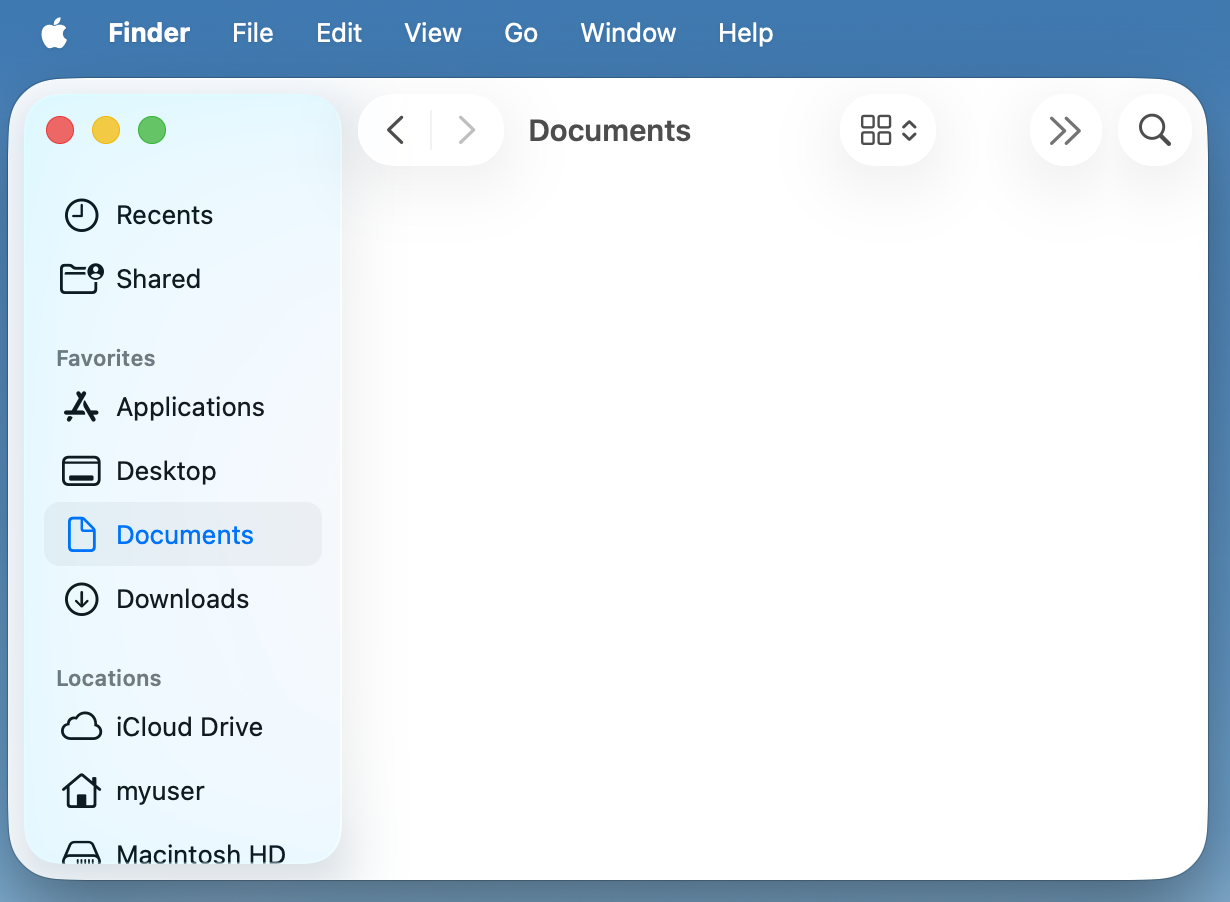
In the Finder window, click “Documents” on left hand side.
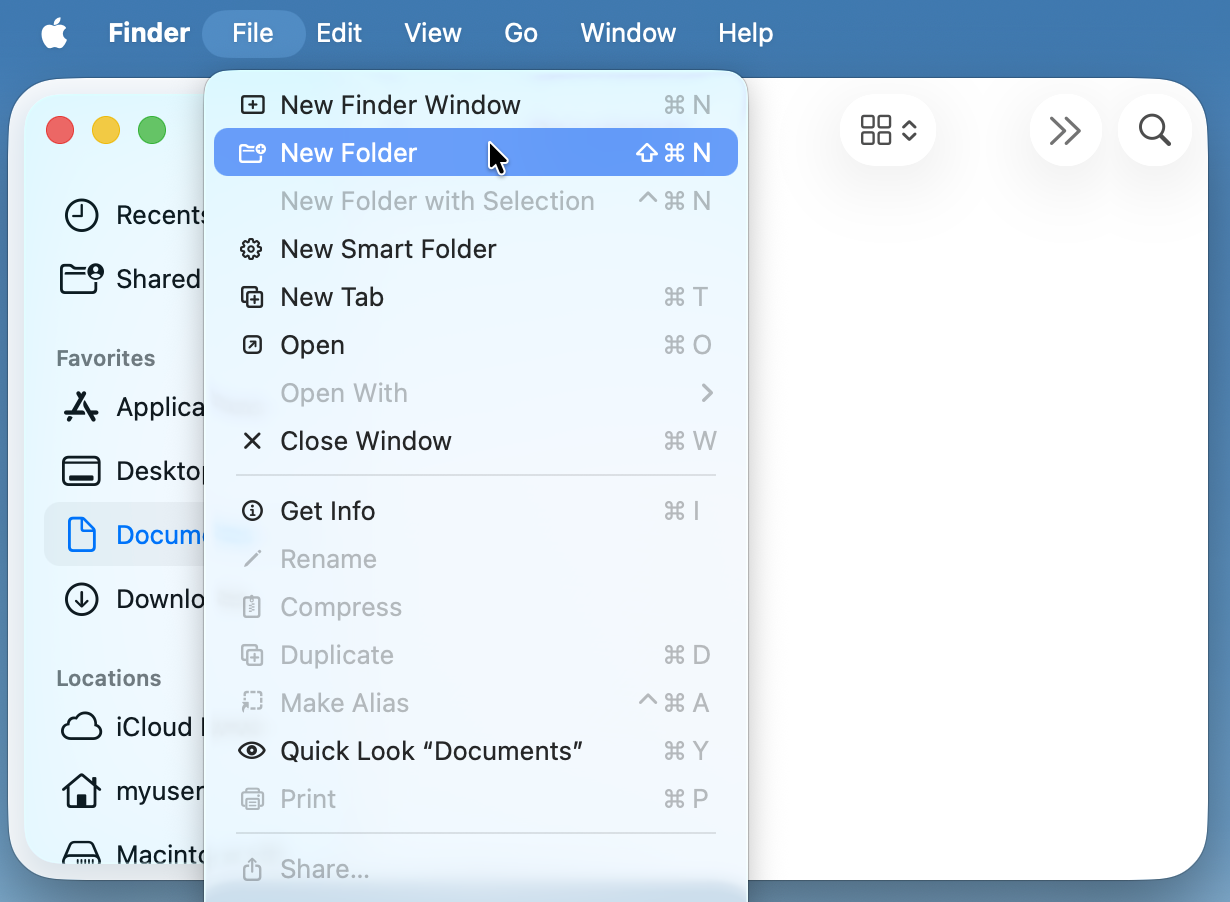
Under “File” in the menu bar, click on “New Folder”.
Type in
mats5000for the folder name
Navigating to the folder in Terminal
We can navigate to the folder in the Terminal with the cd, or change directory, command:
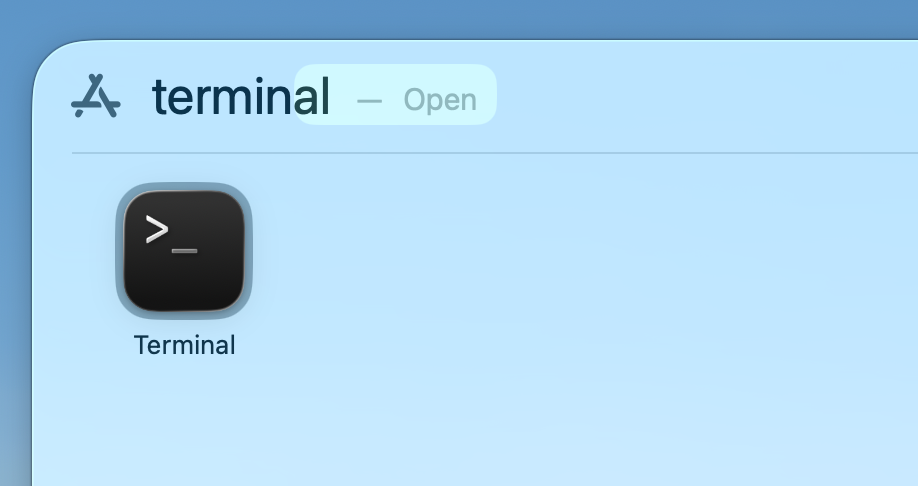
In Spotlight type
Terminalto launch the terminal application.
Type in
cd Documents/mats5000. Note: You can use TAB to autocomplete the folder name once you start typing.
(base) yourname@mac ~ % cd Documents/mats5000Finished!
We can now return back to the Getting Started with Python lesson to continue configuring your computer for Python programming.