Create a folder on Windows
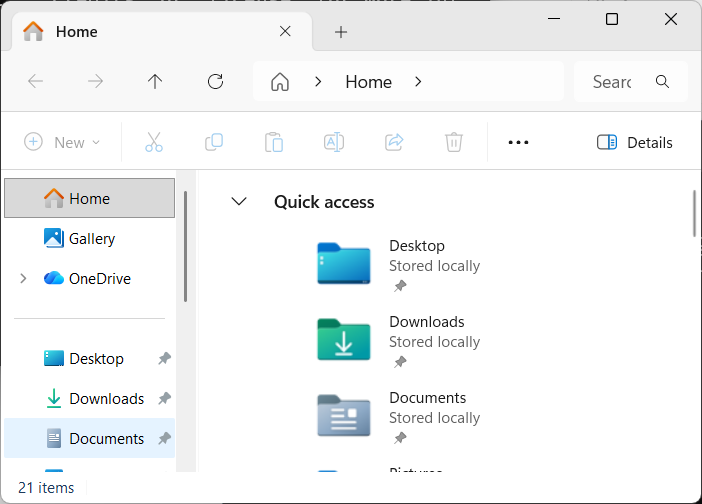
Type “File Explorer” in Start Menu and click on the “File Explorer” application.
In the File Explorer window, click on “Documents” in the left side pane.
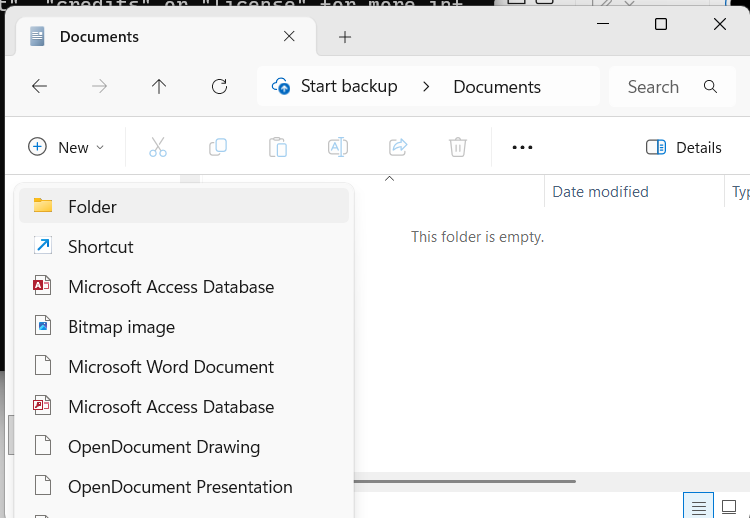
Click on “New” and then select “Folder”.
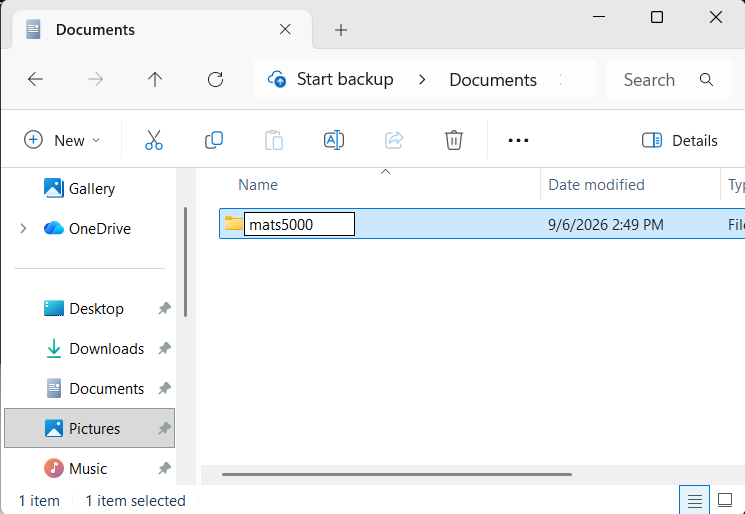
A new folder will be created, rename it to
mats5000.
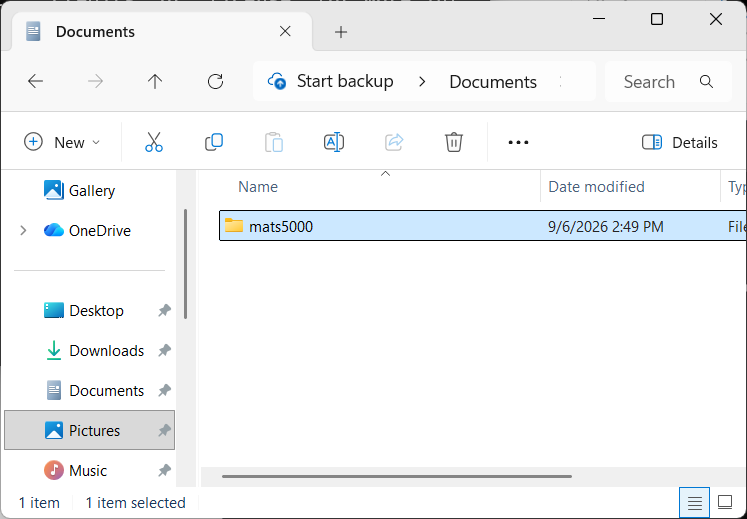
That should be it, we will work in this folder going forward.
Return to the Getting Started with Python lesson to continue configuring your computer for Python programming.