Installing VS Code for macOS
Visual Studio Code (VS Code) is a popular integrated development environment (IDE) for many programming language (including Python). It is a freely available, open-source software application. Steps to install VS Code are provided below.
Installation steps
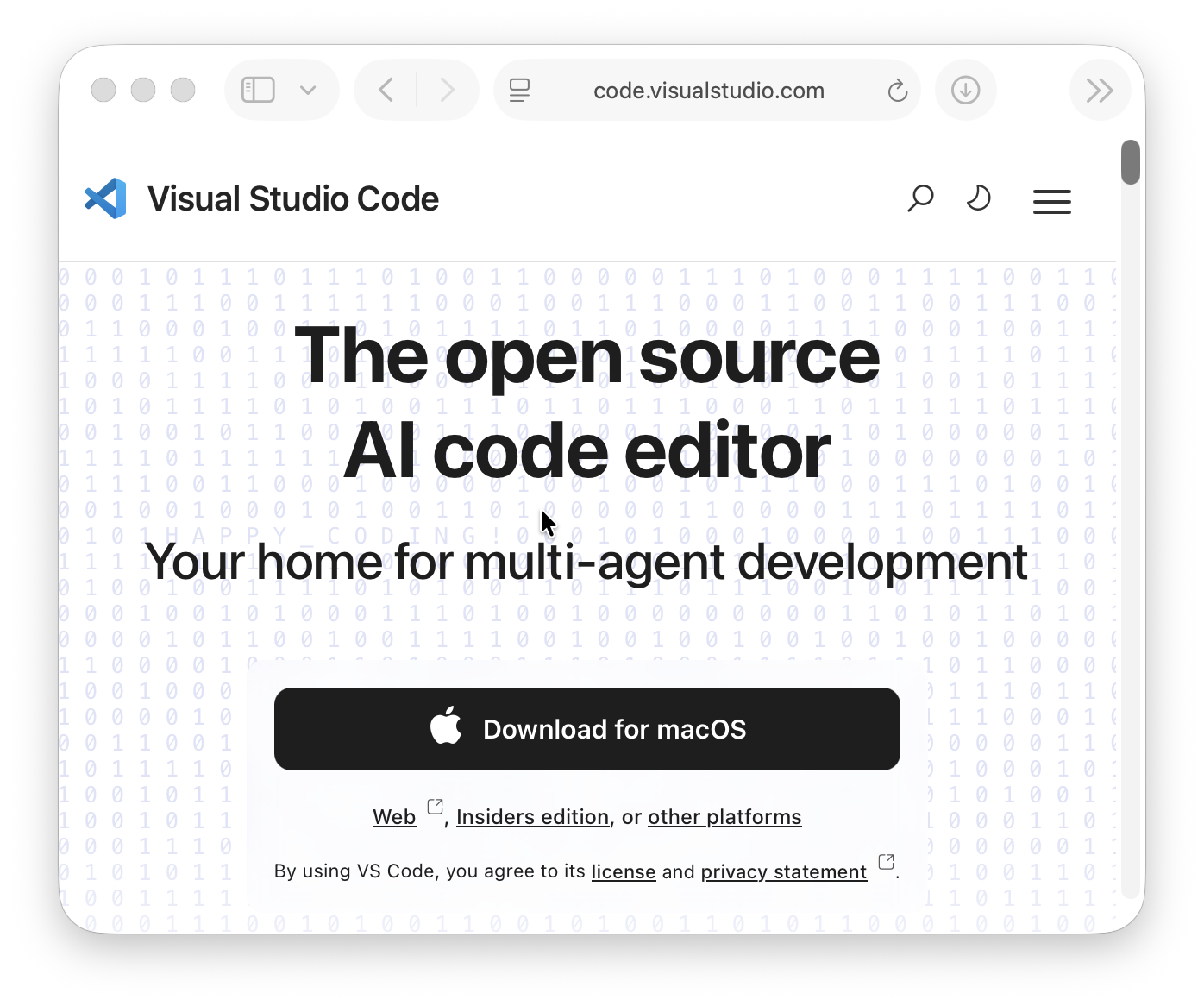
Visit the VS Code homepage for the download link.
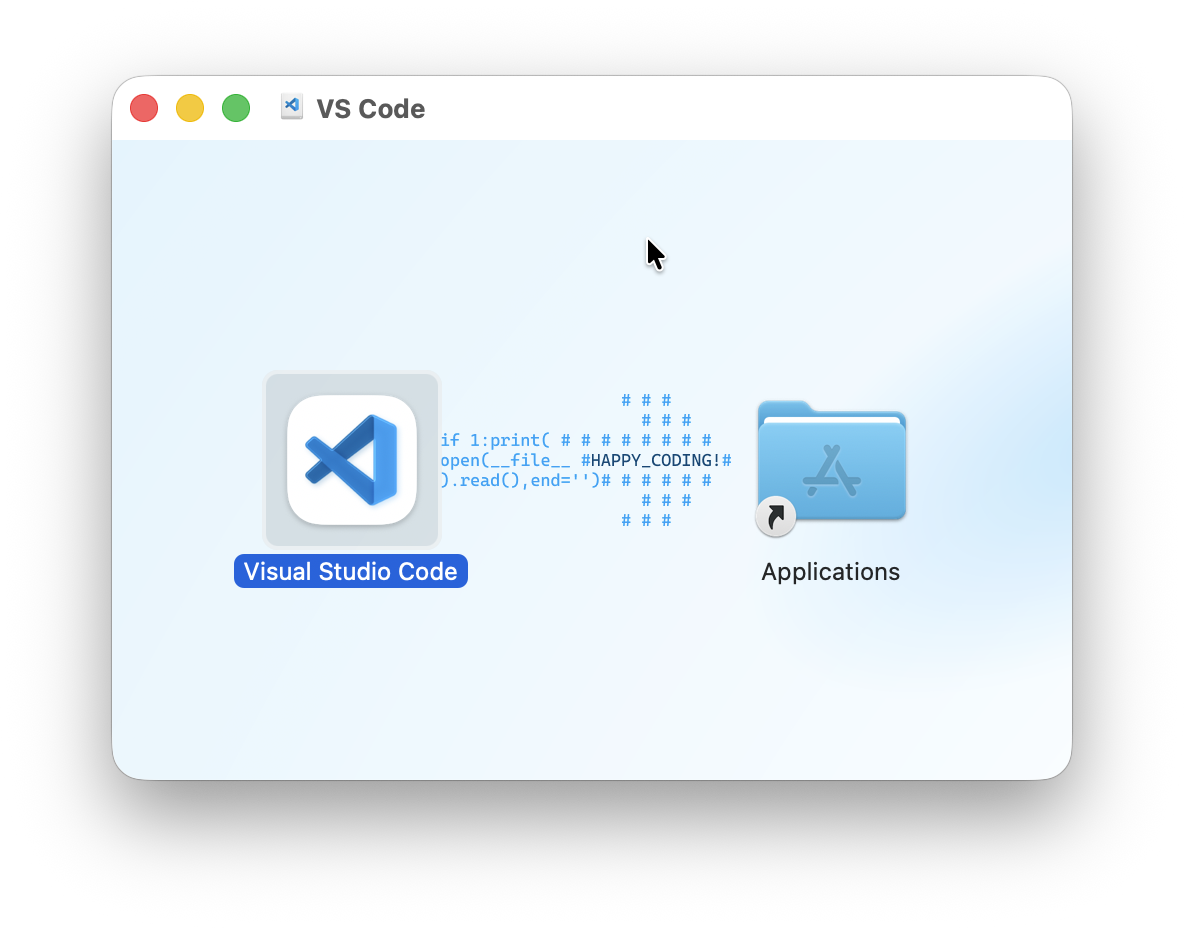
After downloading the installation package, open it up and drag the “Visual Studio Code” application to “Applications”.
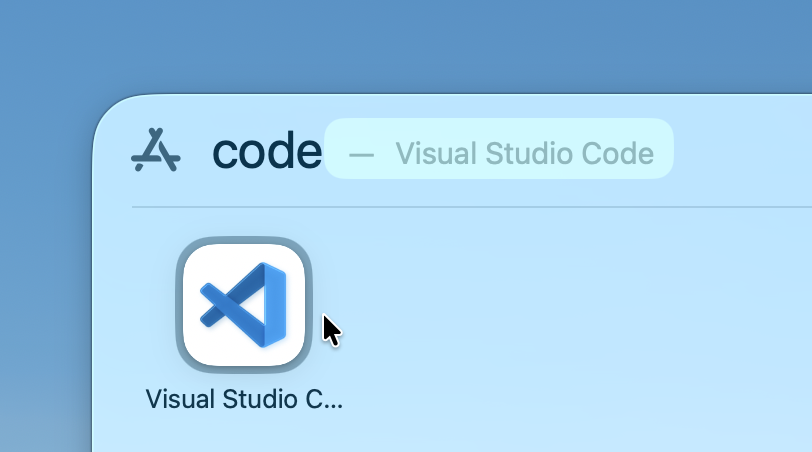
After installation, you can open Spotlight and type “code” to find VS Code.
Return to the Getting Started with Python lesson to continue configuring your computer for Python programming.